CNC Shear Retrofit: Modern Controls for Existing Cutting Equipment
An older metal shear may still meet your production requirements even when its original controls have become difficult to maintain. When the machine remains mechanically, electrically, and hydraulically sound, replacing an unreliable control can be worth evaluating before replacing the entire machine.
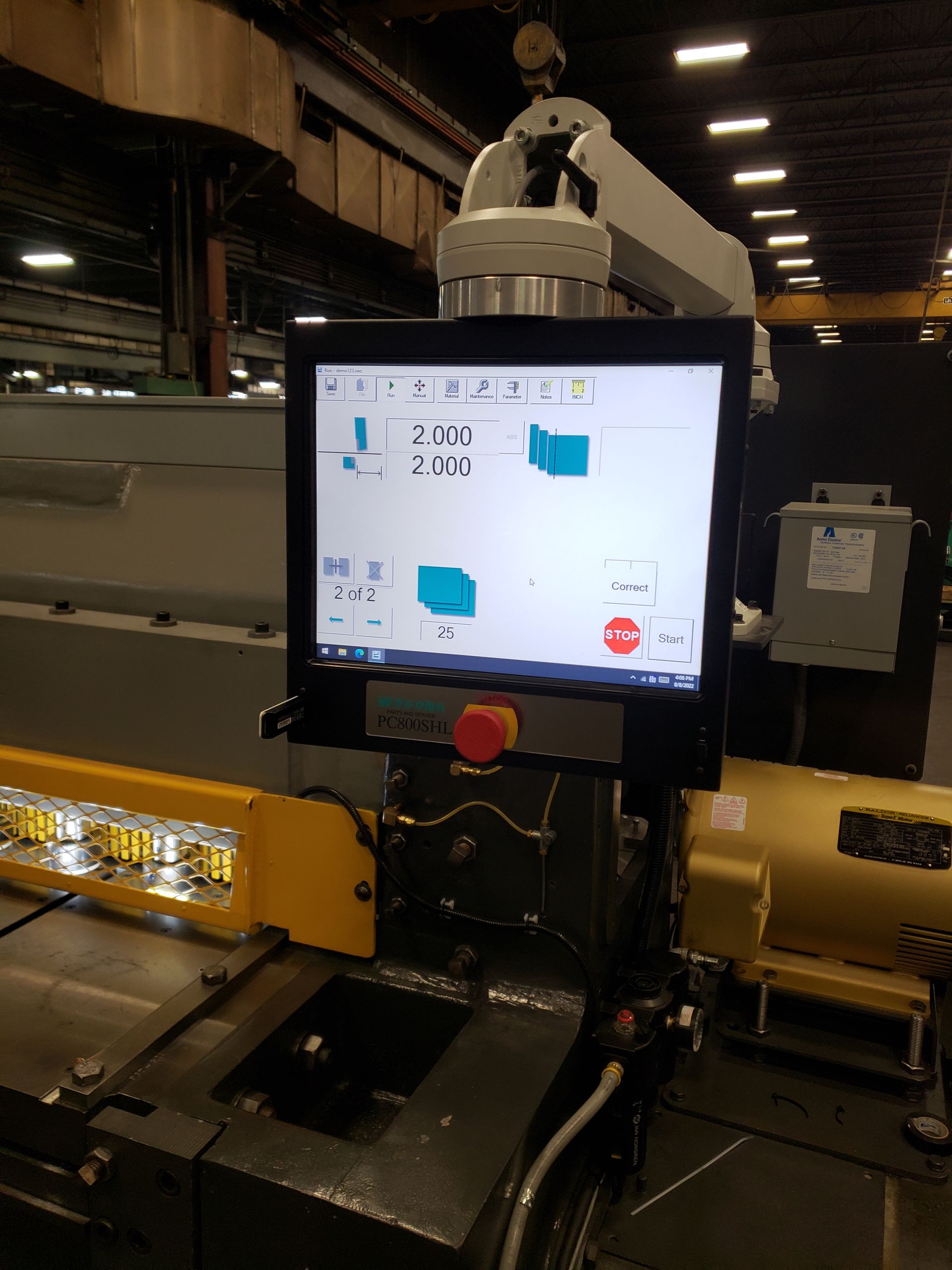
A CNC shear retrofit focuses on that opportunity: upgrading how an existing shear is controlled while preserving suitable equipment. PC Controls offers the PC800 Shear Control Upgrade with Shear Wizard programming software for compatible machines.
For a fabrication shop considering an upgrade, the question is not simply whether a newer controller is available. It is whether the proposed retrofit addresses the right problems and supports the work your shop needs to produce.
What Does a CNC Shear Retrofit Replace?
A CNC shear control upgrade modernizes the machine’s control technology rather than automatically replacing the entire cutting system. PC Controls’ shear solution combines a PC-based controller, a touchscreen interface, and software developed for shear programming and operation.
The exact scope deserves careful attention. Before approving a project, ask the supplier to explain which existing components will remain and which require replacement. Request confirmation of the functions included in the finished system, rather than assuming that every adjustment will become automatic.
For example, discuss whether the project concerns the controller alone or also requires work on the gauging system, electrical components, or other equipment. A clearly defined scope makes it easier to compare proposals and understand what the investment will accomplish.
Which Metal Shears Can Be Retrofitted?
PC Controls lists CNC shear control retrofits for equipment from Cincinnati, Amada, Wysong, AllSteel, Piranha, Pacific, LVD, and Fischer. Its published applications include both mechanical and hydraulic Cincinnati shears, along with specific Amada models.
Cincinnati Shear Retrofits
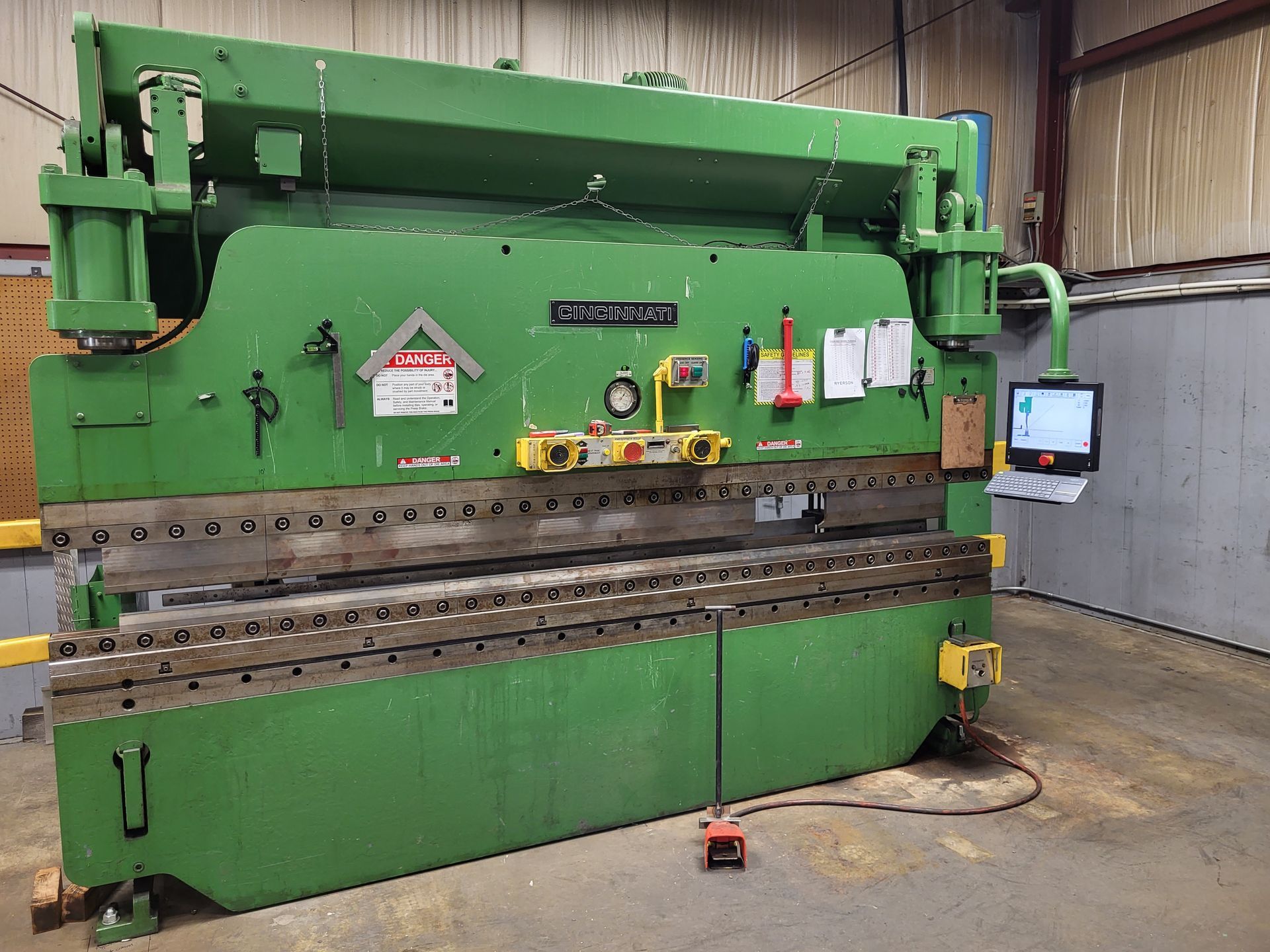
The company’s supported-equipment list includes Cincinnati mechanical and hydraulic shears with FSU and FSU III controls. When discussing a Cincinnati shear retrofit, identify both the machine and its existing control so the proposed upgrade can be evaluated against the actual configuration.
Amada and Wysong Shear Retrofits
PC Controls also lists Amada M3060 and M4060 shears, as well as Wysong applications using PC100 controls. These are useful starting points for a compatibility discussion, not a reason to assume that every machine bearing the same brand requires an identical retrofit.
Provide the model information and explain any previous modifications. Ask the retrofit team to confirm the recommended solution for your machine before selecting equipment.
What Can Updated Shear Controls Offer?
PC Controls describes Shear Wizard as providing an intuitive interface, programming tools, and plain-English diagnostics. These features are intended to support machine setup, operation, and troubleshooting.
Consider those capabilities in terms of the work your operators perform. Ask how they would enter a typical job, change a dimension, and identify a control message. Compare the proposed workflow with the steps your team follows today.
PC Controls provides Shear Wizard demonstrations for Cincinnati, Amada, Wysong, and Piranha machines, and offers interactive online demonstrations. Reviewing the appropriate version is a practical way to move beyond a feature list and examine how the software would be used.
Bring representative jobs to that discussion. A demonstration is more useful when it addresses your usual materials, dimensions, and production changes rather than an unfamiliar sample task.
Evaluate the Machine, Not Just the Controller
PC Controls identifies otherwise sound machinery with unreliable, difficult-to-support controls as a strong retrofit candidate. That makes the condition of the existing equipment an important part of the decision.
Ask for an assessment that separates control problems from mechanical or electrical faults. PC Controls’ support guidance notes that positioning problems can involve mechanical binding, wiring, motors, or drives. Replacing the controller should not be treated as a substitute for identifying those causes.
Also review whether the shear’s capabilities match your production requirements. Shear specifications include limits such as material capacity and maximum cutting length, while appropriate cutting settings depend on the material and thickness being processed. Do not assume that installing a new controller changes those physical limits.
The objective should be a complete, usable system. Ask which repairs are necessary, which components are suitable to retain, and whether any production requirement remains outside the machine’s capabilities.
Plan the Installation Around Production
A CNC retrofit should be evaluated as an installation and training project, not simply a controller purchase.
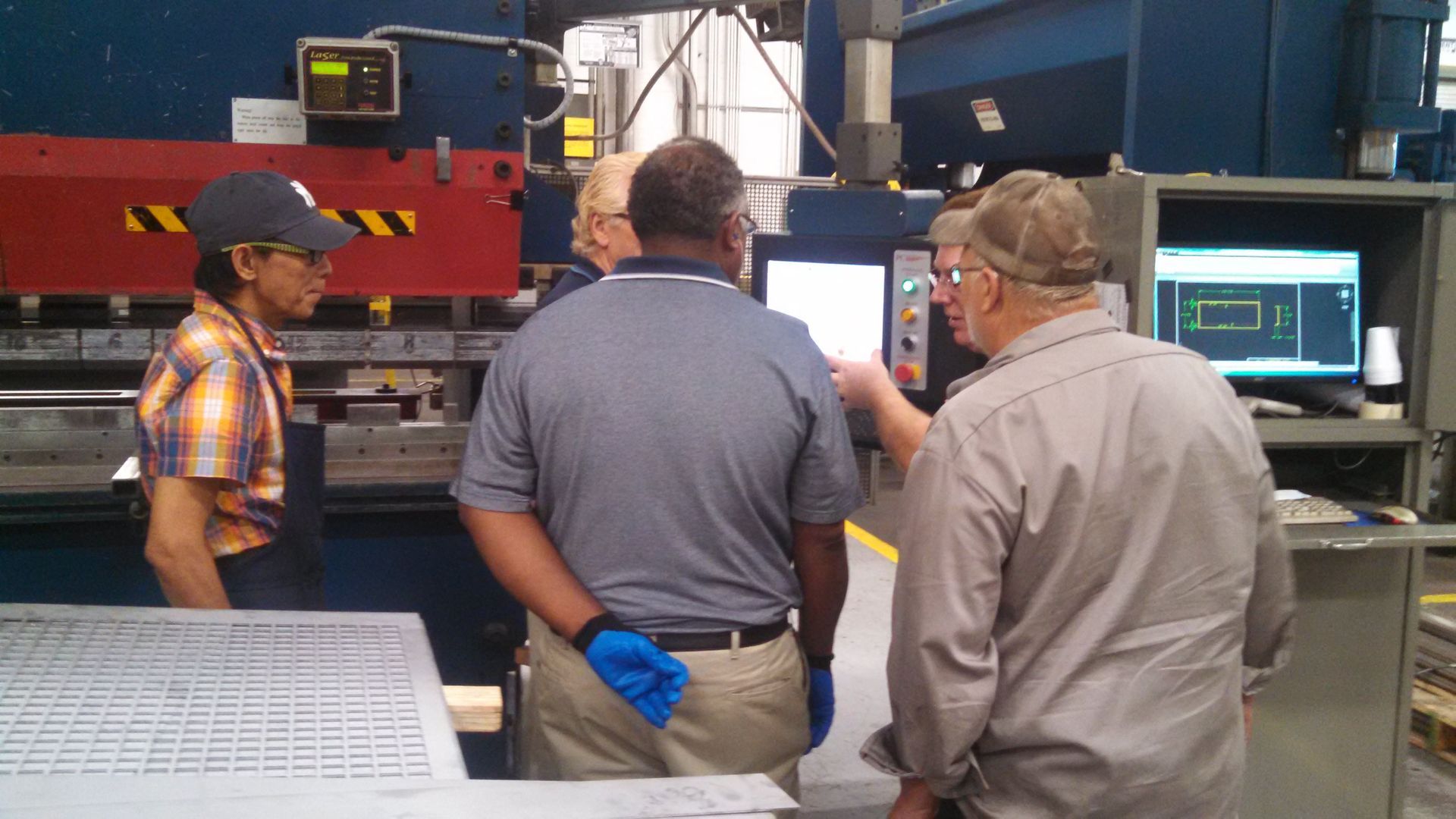
PC Controls describes a process that begins with machine details and photographs, followed by an evaluation and quotation. Its installation process includes operator and maintenance training, electrical and operational documentation, and a parts run-off using the customer’s tooling and materials.
Before scheduling the work, agree on which jobs will be used to demonstrate the upgraded shear. Choose examples that reflect everyday production and any specific requirements discussed during the quotation.
Make time for the people who will operate and maintain the equipment to participate. Ask who will receive the documentation, who will manage support requests, and how the team will confirm that the agreed functions are working before returning the shear to regular production.
What Should You Include in a Shear Retrofit Quote Request?
PC Controls’ retrofit inquiry form asks for the machine type, manufacturer, model, control type, and whether the machine is currently running. It also asks customers to describe the main issues and the improvements they expect from the retrofit.
Use that opportunity to be specific. Instead of writing “the machine needs updating,” explain what is prompting the project. Describe the interruptions, operating difficulties, or support concerns you want addressed.
Include recent photographs and available machine documentation. Identify any functions that must remain available after the upgrade, along with the jobs you expect the machine to handle.
When reviewing the proposal, compare the complete scope rather than the controller price alone. Ask whether the quotation includes integration, required component replacements, installation, testing, training, and documentation. Use your own maintenance and production records when evaluating the potential value of the project.
Explore CNC Shear Retrofit Options With PC Controls
An effective retrofit starts with a clear objective: preserve equipment that remains useful while addressing the control technology that needs improvement.
Review the available software, confirm the machine’s condition, and define what successful operation will look like after installation. Those steps create a stronger basis for choosing between a control upgrade, a more extensive retrofit, or replacement equipment.
Contact PC Controls to discuss your CNC shear retrofit. Share your machine model, existing control, and production requirements to request an evaluation of the available upgrade options.